


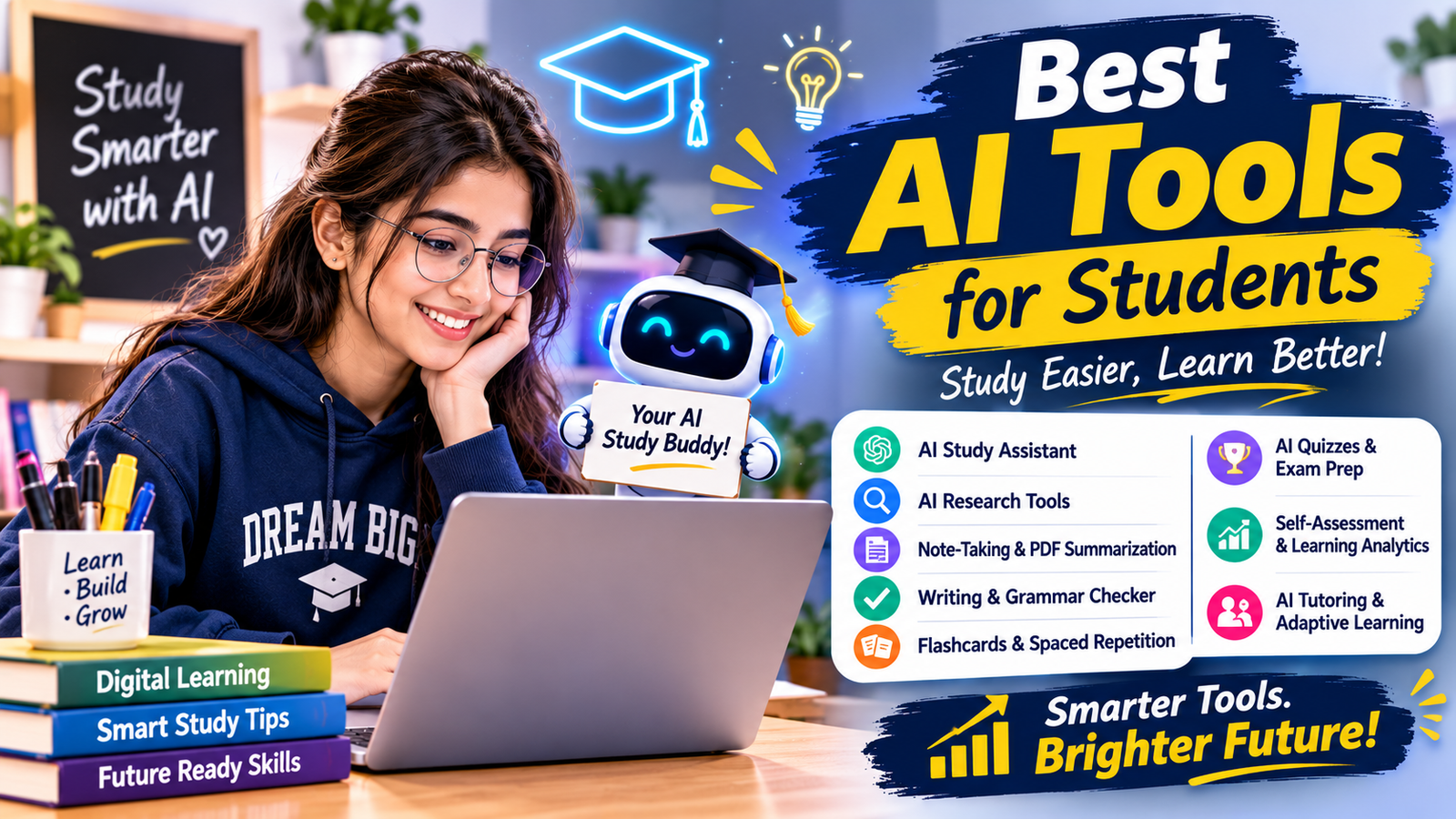
Discover the best AI tools for students in 2027. Explore AI study assistants, research tools, writing helpers, note-taking apps and exam-prep tools.
Best AI Tools for Students in 2027: Top 10 Tools to Study Smarter
Technology is changing the way students learn, prepare for examinations, complete projects and organise their study schedules. Artificial intelligence (AI) has made many learning activities more convenient by helping students understand difficult topics, summarise study material, improve writing and practise important concepts.
Today, students can choose from several AI-powered platforms designed for different academic needs. Some tools work like personal study assistants, while others help with research, mathematics, presentations, grammar and revision.
However, choosing the right platform can be confusing. Which tools are actually useful? Which ones offer free access? And how can students use AI without becoming completely dependent on it?
In this guide, we will explore the best AI tools for students in 2027, explain their key features and discuss how to use them effectively for everyday learning.
1. ChatGPT – Best Overall AI Study Assistant
ChatGPT is a versatile AI assistant that students can use to understand concepts, brainstorm ideas, practise questions and organise their studies. It can explain complicated topics in simpler language and adjust its explanations according to the learner’s level.
For example, if you are studying science and find a particular chapter difficult, you can ask ChatGPT to explain it step by step with simple examples. You can also request practice questions to test your understanding.
Key features:
- Explains difficult topics in simple language.
- Helps create revision notes and study plans.
- Generates practice questions and quizzes.
- Supports brainstorming and assignment planning.
- Helps students understand mathematical and scientific concepts.
- Can provide feedback on written drafts.
How students can use it:
Ask ChatGPT to explain a topic as if you are a beginner. After understanding the explanation, request five practice questions and try answering them independently.
Best for: Concept explanations, study planning, revision and interactive learning.
Website: https://chatgpt.com/
2. Google Gemini – Best for Exploring and Understanding Topics
Google Gemini is an AI assistant that can help students explore subjects, understand information and generate ideas. It is useful when students want explanations, examples or different ways of looking at a topic.
Students can use Gemini to prepare for examinations, brainstorm project ideas and create revision questions. Its connection with Google’s ecosystem can also be helpful for people who regularly use Google services, depending on their account and available features.
Key features:
- Explains academic topics.
- Helps generate practice questions.
- Supports brainstorming and idea development.
- Assists with summarising information.
- Can help organise learning activities.
- Supports different types of questions and prompts.
How students can use it: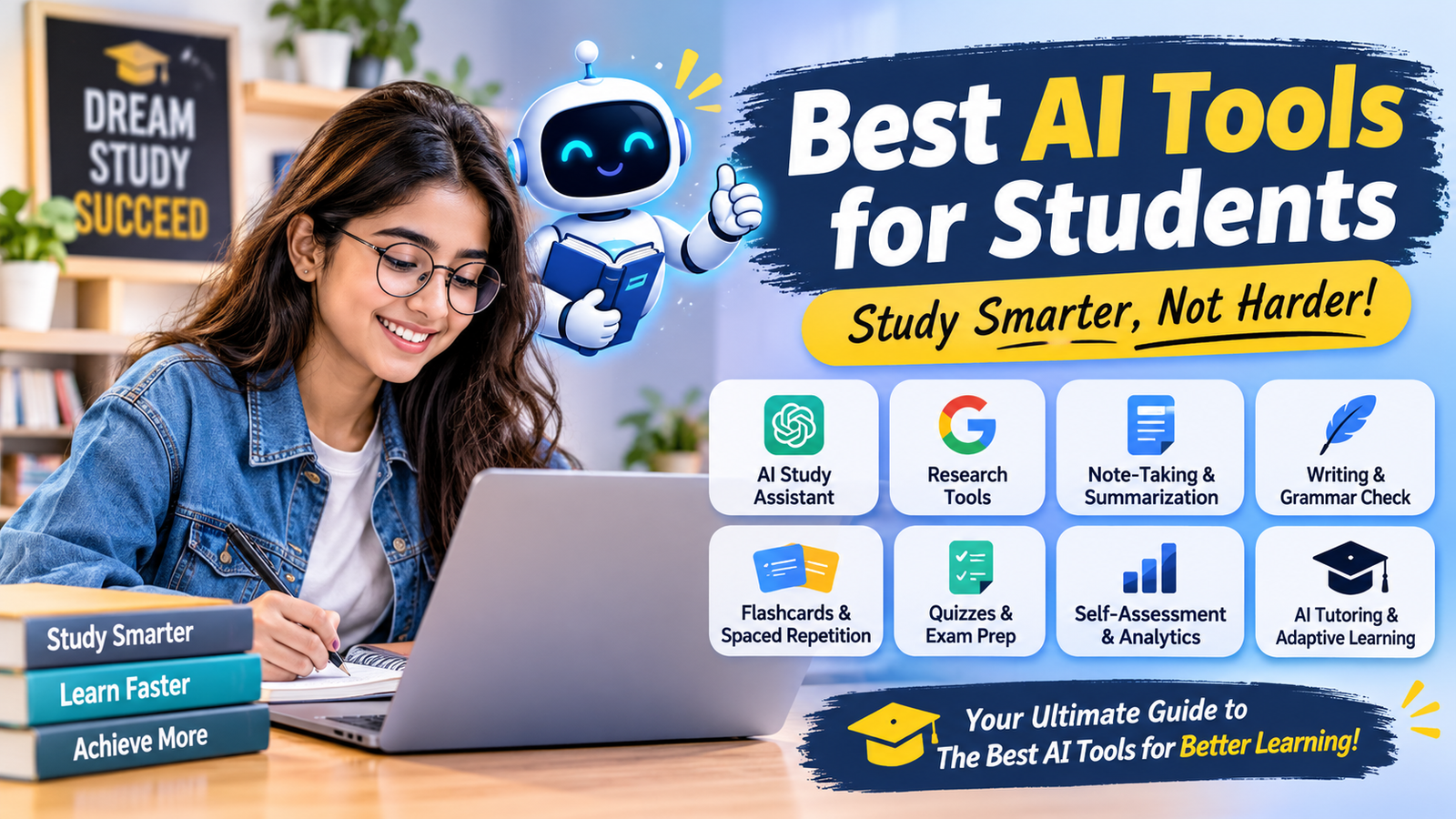
Ask Gemini to explain a history chapter in chronological order, highlight important events and create a short revision quiz.
Best for: Topic exploration, brainstorming, explanations and study support.
Website: https://gemini.google.com/
3. NotebookLM – Best for Notes and PDF Summarisation
NotebookLM is an AI-powered research and learning assistant from Google. It is especially useful for students who have large amounts of study material, including lecture notes, PDFs and reference documents.
Instead of starting every question from scratch, students can provide their own study sources and ask questions about the material. NotebookLM can help organise information, generate summaries and create study resources based on supported sources.
This can make revision more organised, particularly when preparing for examinations.
Key features:
- Helps summarise uploaded study documents.
- Answers questions using provided sources.
- Organises research and reference material.
- Helps generate study guides and questions.
- Offers audio-overview features.
- Helps students review lengthy reading material.
How students can use it:
Upload your class notes or permitted study documents, ask for a chapter summary and then create practice questions based on the same material.
Best for: PDF summarisation, research organisation, lecture notes and revision.
Website: https://notebooklm.google.com/
4. Perplexity AI – Best for Research and Finding Sources
Perplexity AI is an AI-powered search and research platform that helps users explore questions and discover relevant information from online sources.
It can be useful when students are preparing research-based projects, presentations or assignments. Unlike simply receiving an answer, users can also explore the sources provided with supported responses.
Students should still open the original sources and check whether the information is reliable, relevant and up to date.
Key features:
- Helps research academic topics.
- Provides source links with supported answers.
- Summarises information from multiple sources.
- Helps explore unfamiliar subjects.
- Supports follow-up research questions.
- Can help students discover additional reading material.
How students can use it:
For a project on renewable energy, ask Perplexity to identify important renewable energy sources and provide reliable references to explore further.
Best for: Online research, project preparation and source discovery.
Website: https://www.perplexity.ai/
5. Grammarly – Best for Writing and Grammar Improvement
Grammarly is a writing assistant that helps students improve the clarity, grammar and readability of their written work.
Students can use it when preparing essays, reports, emails and presentations. It can identify common writing mistakes and suggest ways to make sentences clearer.
Good writing is important in academic life, and tools like Grammarly can help learners review their work before submitting it.
Key features:
- Checks spelling and grammar.
- Suggests punctuation improvements.
- Helps improve sentence clarity.
- Provides writing suggestions.
- Supports proofreading.
- Offers additional AI writing features depending on the plan.
How students can use it:
Write your assignment in your own words, review the suggestions and make corrections after checking whether each recommendation preserves your original meaning.
Best for: Grammar checking, proofreading and improving written communication.
Website: https://www.grammarly.com/
6. QuillBot – Best for Summarising and Rewriting Practice
QuillBot is a writing tool that offers features such as paraphrasing, summarising and grammar assistance. It can help students understand lengthy information and practise expressing ideas more clearly.
For example, a student reading a long article can use a summarisation feature to identify its main points. The original material should still be read when detailed understanding or accurate referencing is required.
Key features:
- Paraphrasing assistance.
- Text summarisation.
- Grammar checking.
- Vocabulary suggestions.
- Sentence improvement.
- Citation-related features, depending on availability.
How students can use it:
Use the summariser to identify the main ideas in your reading material. Then close the summary and explain those ideas in your own words to check your understanding.
Best for: Summarisation, vocabulary development and writing practice.
Website: https://quillbot.com/
7. Quizlet – Best for Flashcards and Exam Revision
Quizlet is a learning platform that helps students revise information through flashcards, practice activities and study sets.
Flashcards are particularly useful when students need to remember definitions, formulas, important dates, vocabulary or scientific terms.
Instead of repeatedly reading the same chapter, students can use flashcards to test their memory and identify topics that need more revision.
Key features:
- Digital flashcards.
- Study sets for different subjects.
- Practice and revision activities.
- Vocabulary learning.
- Self-testing options.
- Additional AI-supported study features, depending on the plan.
How students can use it:
Create flashcards for important biology definitions. Read the question on one side, recall the answer and then check whether you remembered it correctly.
Best for: Memorisation, vocabulary, definitions and examination revision.
Website: https://quizlet.com/
8. Khan Academy and Khanmigo – Best for Guided Learning
Khan Academy is an educational platform that provides lessons and practice activities across different subjects. Khanmigo is its AI-powered learning assistant, designed to support guided learning.
Rather than focusing only on final answers, a guided learning approach can help students work through problems and understand the reasoning behind them.
Availability and access to Khanmigo can vary by location, account type and programme.
Key features:
- Educational lessons and practice.
- Guided learning support through Khanmigo.
- Help with mathematical concepts.
- Subject-based learning resources.
- Practice activities.
- Support for understanding problem-solving methods.
How students can use it:
When you get stuck on a mathematics problem, try working through the hints and explanations instead of immediately looking for the final answer.
Best for: Mathematics practice, foundational concepts and guided learning.
Website: https://www.khanacademy.org/
9.Canva – Best for Presentations and Creative Projects
Canva is a visual design platform that students can use to create presentations, posters, infographics, diagrams and educational projects.
Its templates and available AI-powered design features can help students organise information into attractive visual formats.
For example, students preparing a classroom presentation can use Canva to create slides with headings, images and diagrams instead of relying entirely on plain text.
Key features:
- Presentation templates.
- Poster and infographic design.
- Educational project layouts.
- Image and graphic editing.
- Collaboration features.
- AI-powered design features, depending on the plan.
How students can use it:
Prepare a presentation on environmental protection by creating separate slides for causes, effects, solutions and a conclusion. Use clear visuals and verify all facts before presenting.
Best for: Presentations, posters, visual learning and creative projects.
Website: https://www.canva.com/
10. Wolfram Alpha – Best for Mathematics and Science
Wolfram Alpha is a computational knowledge platform that can help students explore mathematical, scientific and technical questions.
It is particularly useful for checking calculations, exploring mathematical expressions and working with certain scientific problems.
Students should remember that getting a numerical result is not the same as understanding the method. Always study the reasoning and practise similar questions independently.
Key features:
- Mathematical calculations.
- Equation exploration.
- Scientific computations.
- Graphing and data-related functions.
- Support for technical subjects.
- Additional step-by-step features may depend on access level.
How students can use it:
Enter a mathematical expression to check a calculation, then compare the result with your textbook method and identify any mistakes.
Best for: Mathematics, science calculations and technical learning.
Website: https://www.wolframalpha.com/
Comparison of the Best AI Tools for Students
Choosing an AI platform becomes easier when you compare tools according to your learning requirements.
| AI tool | Best use | Free access |
|---|---|---|
| ChatGPT | Study assistance and explanations | Yes, with limits |
| Google Gemini | Topic exploration and learning support | Yes, with limits |
| NotebookLM | Notes and PDF-based study | Yes, with limits |
| Perplexity AI | Research and source discovery | Yes, with limits |
| Grammarly | Grammar and proofreading | Yes, with limits |
| QuillBot | Summarising and paraphrasing | Yes, with limits |
| Quizlet | Flashcards and revision | Basic access available |
| Khan Academy | Lessons and practice | Many resources are free |
| Canva | Presentations and design | Yes, with limits |
| Wolfram Alpha | Mathematical and scientific calculations | Basic access available |
Note: Free-plan features, usage limits and paid options can change. Check each provider’s website for the latest details.
How to Choose the Right AI Study Tool
Not every student needs all ten platforms. The right choice depends on your subject, learning style and study requirements.
Here are some simple recommendations:
- For understanding difficult subjects: Start with ChatGPT or Google Gemini.
- For studying PDFs and notes: Try NotebookLM.
- For research projects: Explore Perplexity AI.
- For improving English writing: Use Grammarly.
- For summarising information: Try QuillBot.
- For memorising definitions: Use Quizlet.
- For mathematics practice: Explore Khan Academy and Wolfram Alpha.
- For presentations: Use Canva.
A simple combination of two or three useful tools is often enough. Start with free features before considering paid subscriptions.
Benefits of Using AI Tools for Students
AI-powered learning platforms can make studying more organised when used thoughtfully.
1. Personalised learning support
Students can ask questions in different ways and request explanations that match their current level of understanding.
2. Better time management
Summarising lengthy reading material, organising notes and preparing revision questions can help students plan their study sessions.
3. Improved research skills
Research-focused tools can help students discover relevant information and explore sources for academic projects.
4. More effective revision
Flashcards, quizzes and practice questions allow students to test their knowledge instead of only reading the same information repeatedly.
5. Writing improvement
Grammar and writing assistants can help identify mistakes and improve clarity in essays, reports and other academic documents.
Responsible Ways to Use AI for Studying
AI can support education, but it should not replace independent thinking, classroom learning or textbooks.
Keep these points in mind:
- Use AI explanations to understand topics, not simply copy answers.
- Check important facts using textbooks and trusted sources.
- Follow your school’s or college’s AI-use policies.
- Do not submit AI-generated work as your own when that violates academic rules.
- Avoid sharing private information, passwords or confidential academic records.
- Check the age requirements and privacy settings of any platform before creating an account.
- Practise questions independently to make sure you understand the topic.
The most effective approach is to use AI as a learning assistant while remaining responsible for your own education.
Conclusion
Artificial intelligence is creating new opportunities for students to learn, research, revise and organise their academic activities. From ChatGPT and Google Gemini to NotebookLM, Perplexity, Grammarly and Quizlet, each platform offers different ways to support the learning process.
The best AI tools for students are not necessarily the ones with the most features. They are the ones that solve a genuine learning problem and help students become more confident and independent learners.
Start with one or two tools that match your academic needs, explore their free features and build a study routine around them. Remember, AI can guide your learning, but your curiosity, practice and understanding are what help you make real progress.
Frequently Asked Questions (FAQs)
1. What are the best AI tools for students?
Some useful options include ChatGPT, Google Gemini, NotebookLM, Perplexity AI, Grammarly, QuillBot, Quizlet, Khan Academy, Canva and Wolfram Alpha. The best choice depends on what you want to learn or accomplish.
2. Which AI tools are free for students?
Several platforms offer free access or free plans, including ChatGPT, Google Gemini, NotebookLM, Perplexity, Grammarly, QuillBot and Canva. However, free plans may have usage limits or restricted features.
3. Which AI tool is best for making study notes?
NotebookLM is a useful option for organising and summarising information from supported study documents. ChatGPT and Gemini can also help students create revision notes from material they provide.
4. Which AI tool is best for exam preparation?
ChatGPT, Gemini, Quizlet and Khan Academy can support examination preparation through explanations, practice questions, flashcards and educational lessons.
5. Can AI tools help students improve their English?
Yes. Grammarly can help identify grammar and spelling mistakes, while ChatGPT and Gemini can explain vocabulary, sentence structure and writing concepts.
6. Are AI tools a replacement for teachers?
No. AI tools can provide additional explanations and practice opportunities, but teachers offer guidance, classroom interaction and subject expertise that AI cannot fully replace.
7. How many AI tools should a student use?
There is no fixed number. Most students can begin with two or three tools that match their needs, such as one study assistant, one note-taking platform and one revision tool.
Contact Us